
Unsent V1.4
Backup and recovery, stronger privacy protections, a roomier writing experience, and deeper safeguards for your chats.
Backup and recovery
Create dated .unsent backups through Files, review a summary of what they contain, and restore from On My iPhone or iCloud Drive when you need to.
A safety net before restore
Before a restore replaces non-empty chat data, Unsent creates and verifies a safety copy; keep, export, restore, or permanently delete up to five copies from Settings.
Stronger device protection
Unsent now protects its files more consistently while your iPhone is locked and covers the full interface in app-switcher previews, even when Face ID protection is off.
Safer copying
Copied message text stays on this iPhone by default and expires after two minutes; Universal Clipboard is available only if you choose to enable it.
More room to write
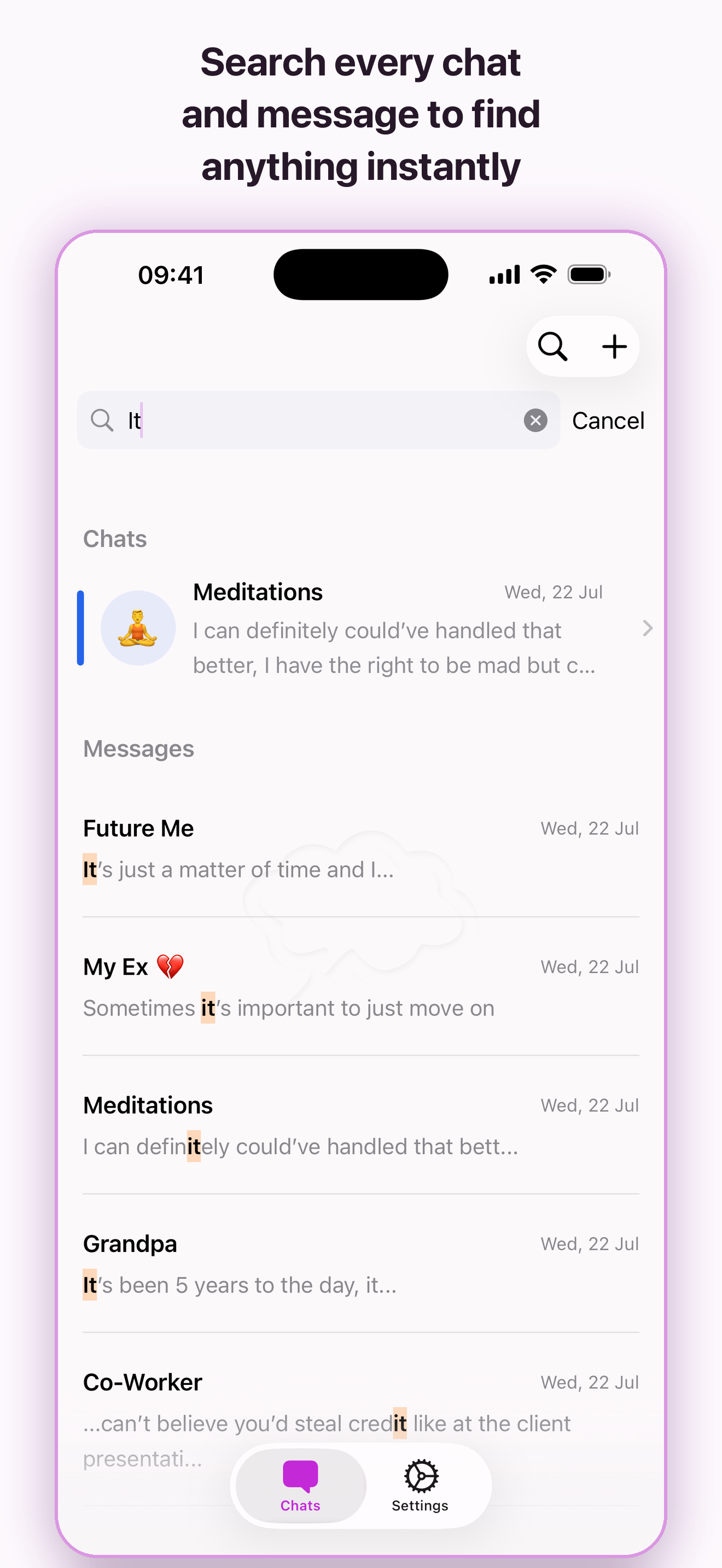
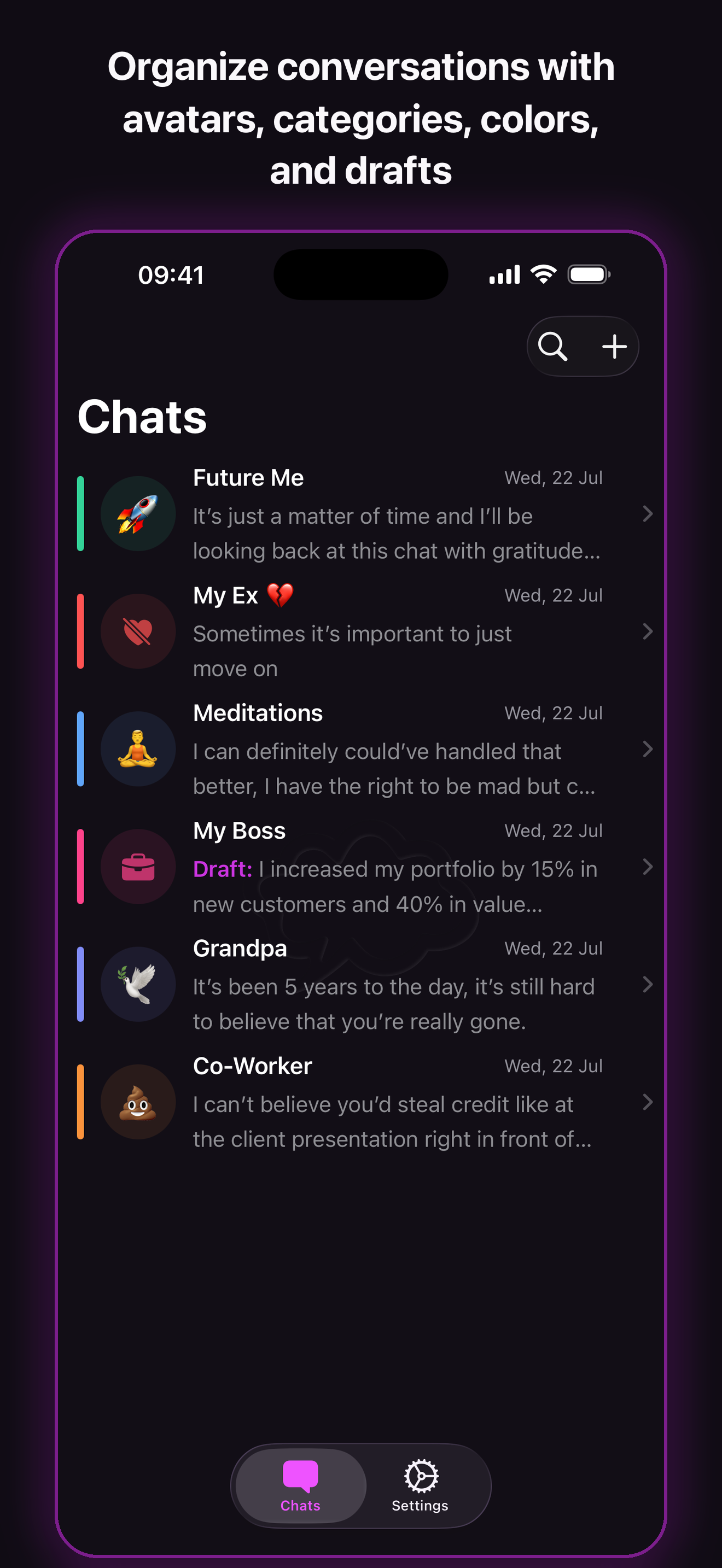
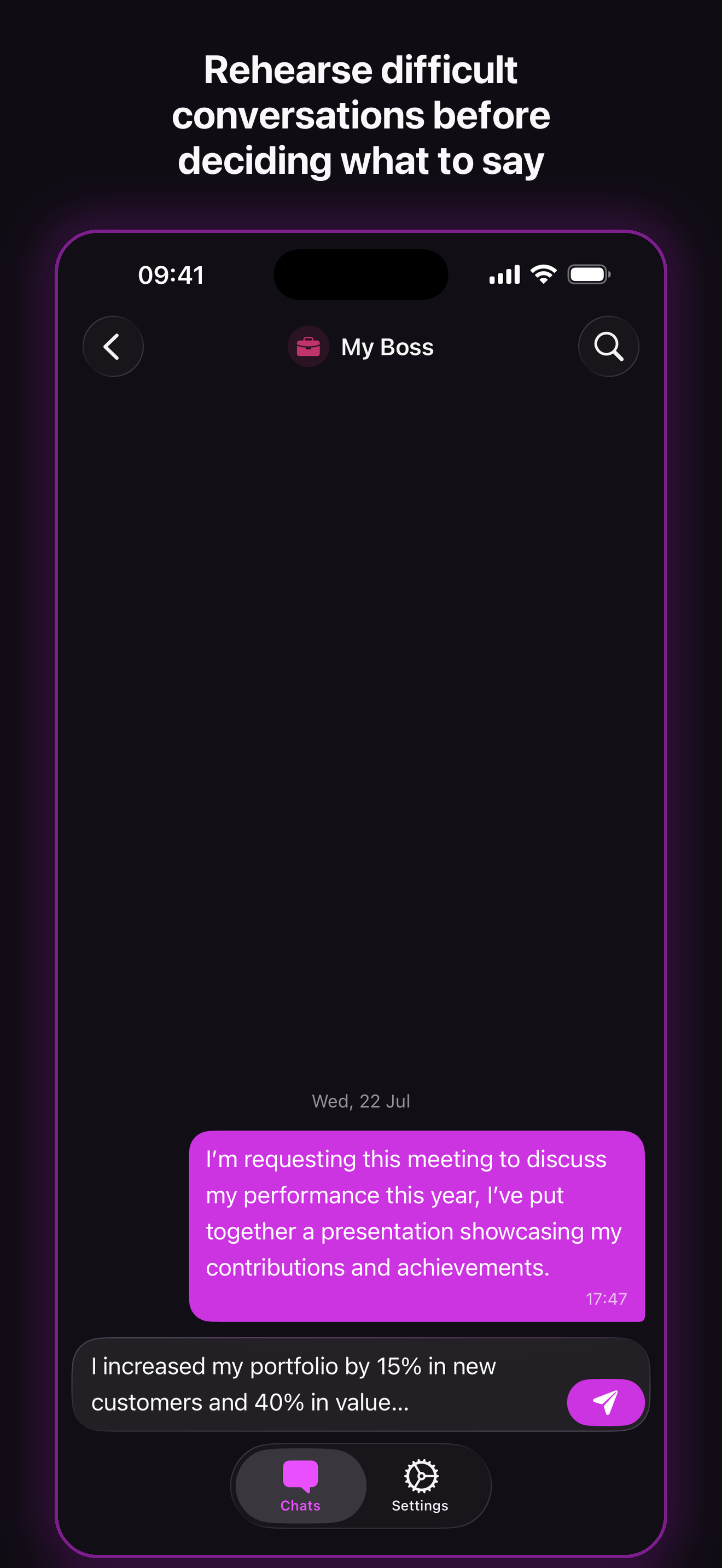
Floating controls and a floating composer give your words more room, in-chat search moves more naturally, and subtle separators make the chat list feel cleaner.
Drafts held more safely
Drafts now live with their chats, and if a save fails Unsent keeps the exact text available for recovery instead of letting it disappear.
Built for the unexpected
Updates and restores now use deeper safeguards and clear recovery paths designed to preserve your chats if something cannot finish safely.
Help, built in
Read the Privacy Policy and FAQs offline, email support, and review Apple’s Standard EULA from the new Support & Legal section.